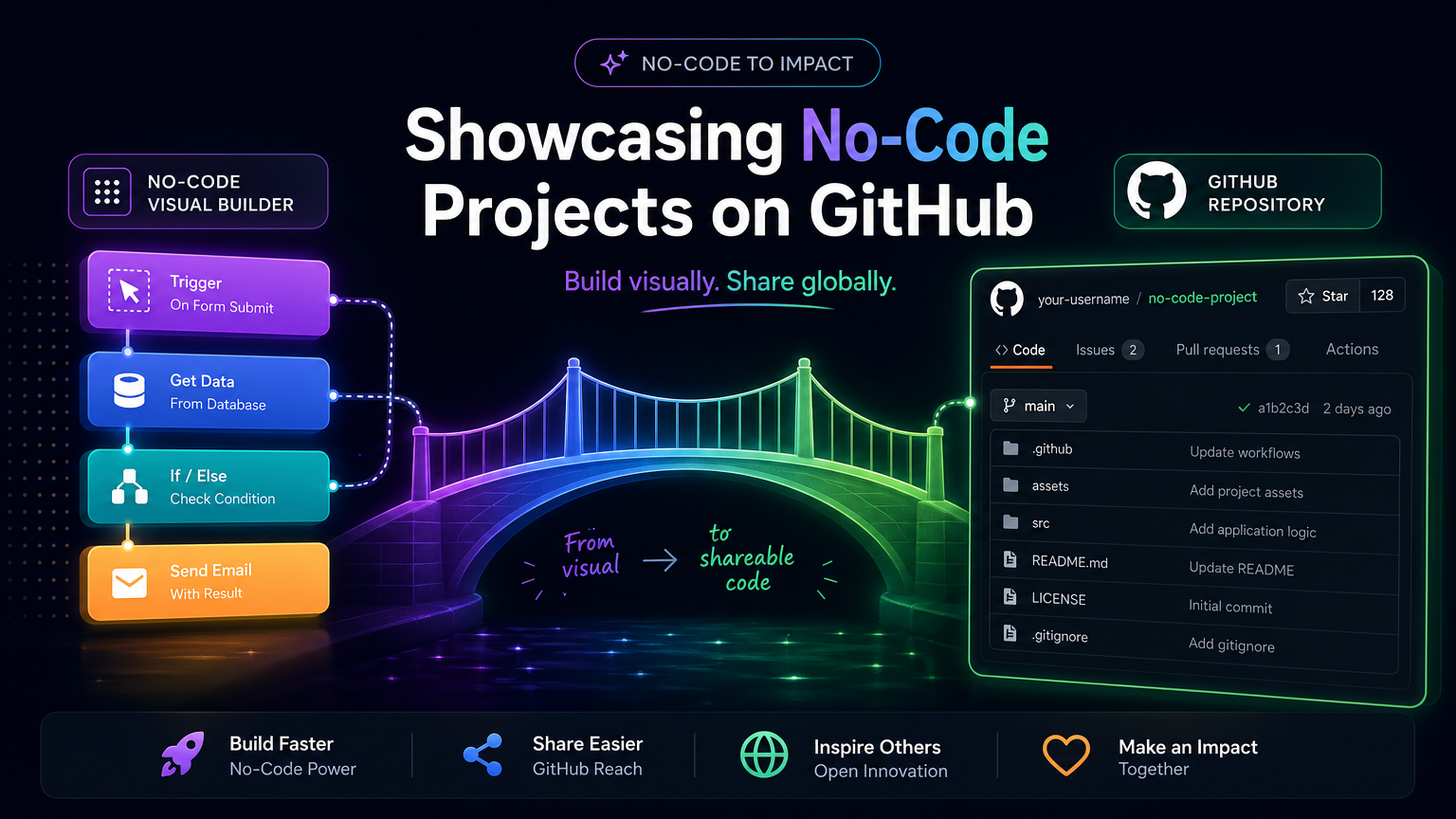
Showcasing No-Code Projects on GitHub
The line between 'coder' and 'builder' is blurring. With tools like Replit, Bolt, and Lovable, you can create complex applications without writing every line of code. But how do you show these off to technical recruiters? You put them on GitHub.
1. Export and Document
Most no-code platforms allow you to export your code or download a ZIP. Once you have the files, create a GitHub repository. The key is the README—explain that this was built using a no-code/AI tool and highlight the logic you designed.
2. Highlight the Architecture
Even if you didn't write the CSS, you designed the user flow and the data structure. Use diagrams to show how the components interact. This proves your architectural thinking, which is what senior developers care about.
3. The 'Hybrid' Approach
Show how you extended the no-code tool with custom scripts or API integrations. This 'low-code' approach is highly valued in modern startups for its speed and flexibility.